Your own rules
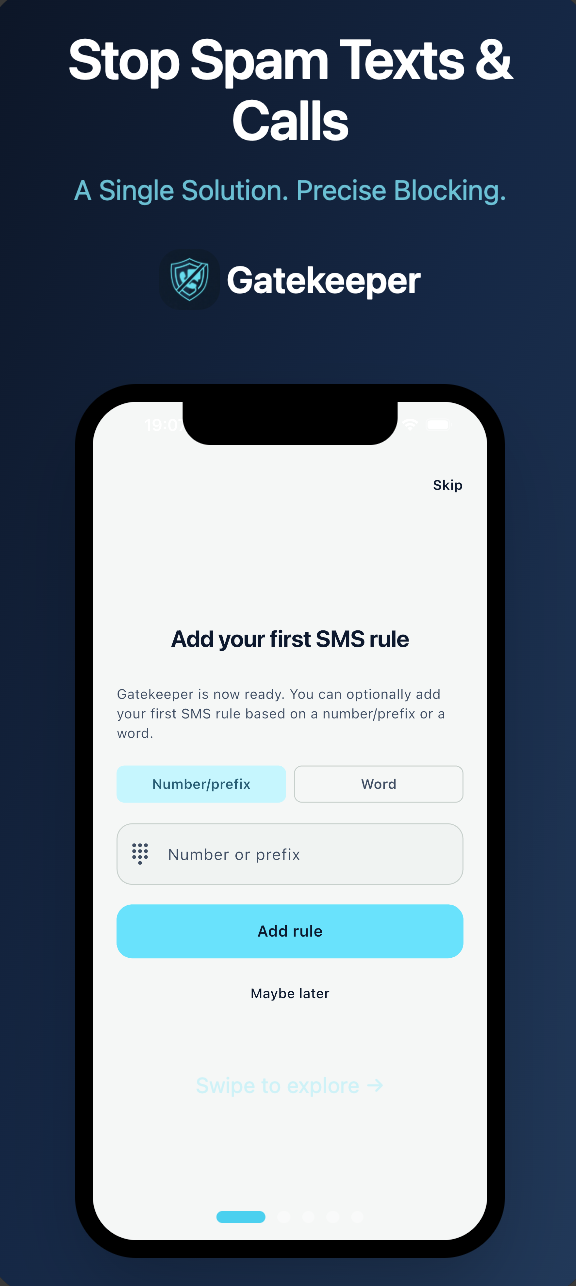
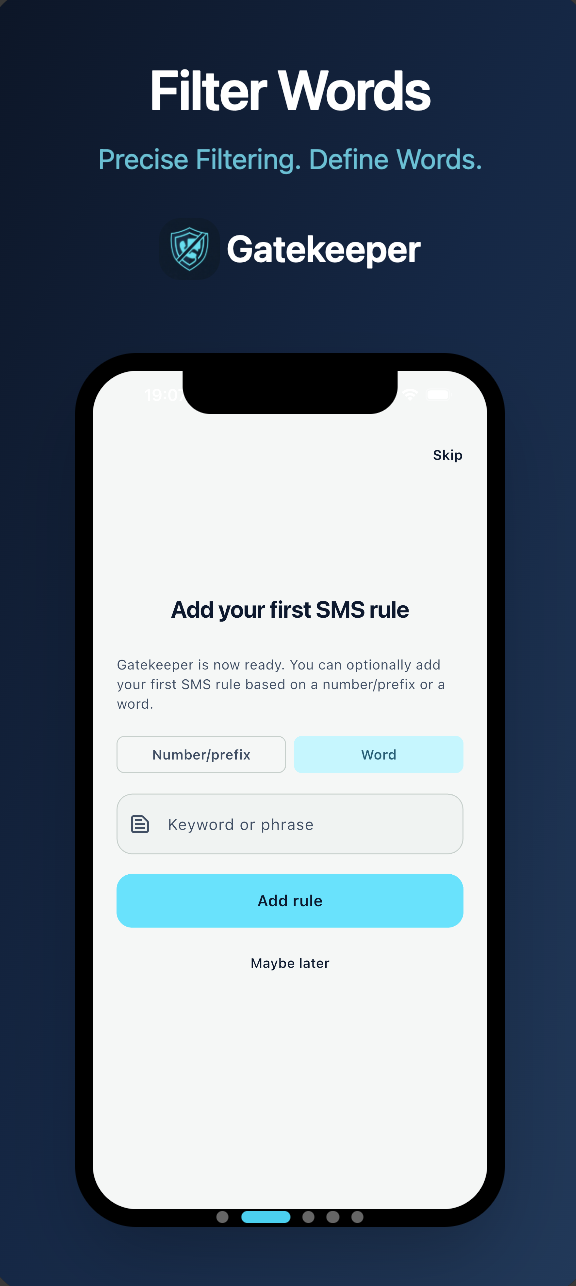
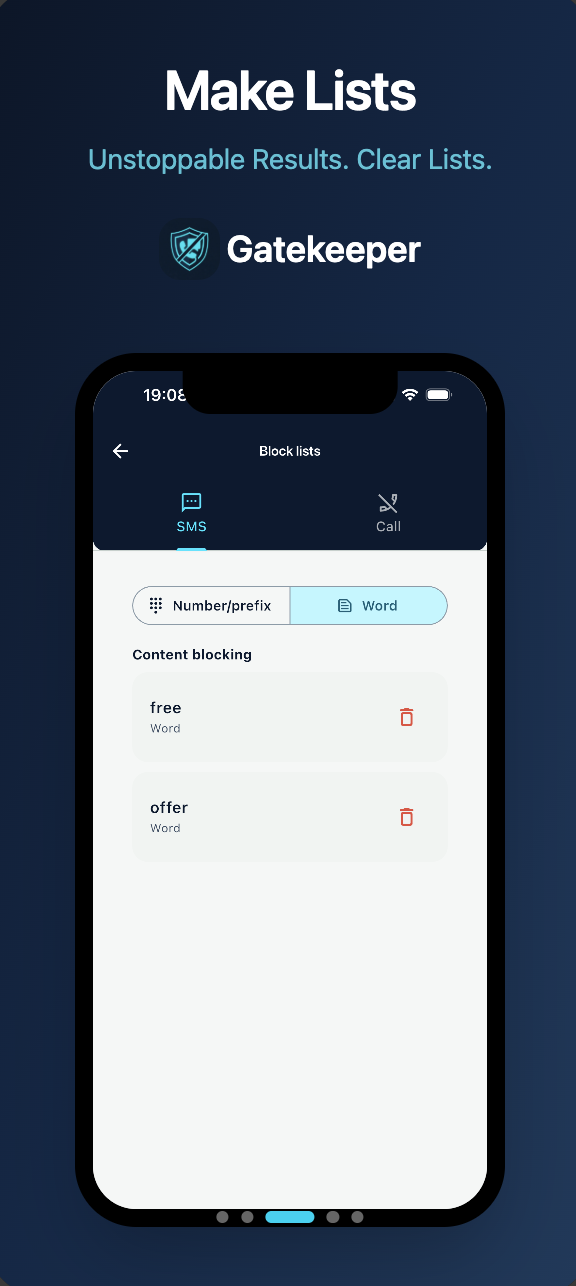
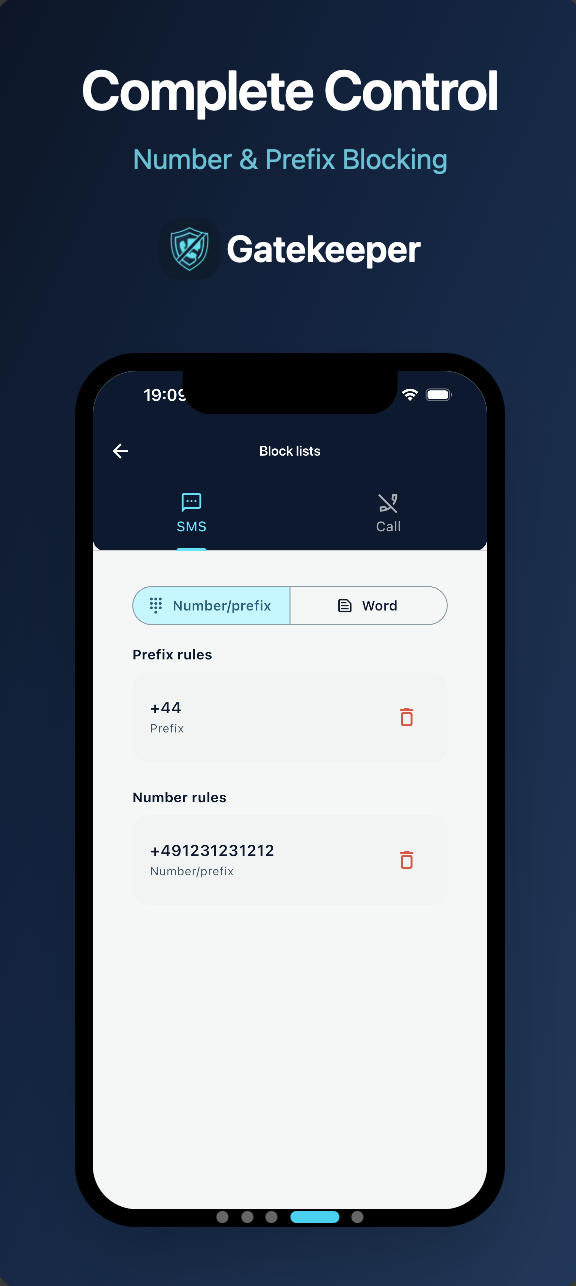
Silence texts by the words, numbers and prefixes you choose (for example +44). Block calls from the phone numbers you add, entered as full numbers with country code. Add as many rules as you need.
Gatekeeper
SMS & call blocking that checks messages on your device. Your messages are never sent to us.


Silence texts by the words, numbers and prefixes you choose (for example +44). Block calls from the phone numbers you add, entered as full numbers with country code. Add as many rules as you need.
Gatekeeper never uploads your messages or your call history. Details of the small profile we keep for your installation are in our Privacy Policy.
Gatekeeper works as an iOS message filter. Texts that match your rules are sent to the spam list in Messages instead of your inbox. Apple applies message filters only to senders who are not in your Contacts, so messages from people you have saved are not filtered.
Gatekeeper uses notification access to silence the notifications of spam texts that match your rules. The messages stay in your messaging app: Gatekeeper does not delete them, does not need SMS permission and does not replace your messaging app. On Android 10 or later, choose Gatekeeper as your Caller ID & spam app to block calls from the numbers you added.
The AI filter (Pro) checks messages against ready-made spam word lists in several languages, chosen and maintained by us and built into the app. It is keyword matching, not machine learning, and it works on your device. Smart matching (Pro) also catches common spelling variants of your words, such as with or without accents; it works for words written in Latin letters. Both are optional: turn either off at any time and filter only your own words.
No filter is perfect: a rule can silence a message you wanted, so check your messaging app now and then. Call rules need a full number with country code (at least 7 digits). Short prefixes such as +44 work for texts only.
Screenshots as shown on the App Store and Google Play storefronts.
Privacy is non-negotiable
Your messages are filtered on your device and message content is never sent to us. The app also keeps a small profile for each installation (a random ID, a Support ID and your device's region and language), plus usage statistics (on by default; you can switch them off in Settings). Details are in the Privacy Policy.
Get Gatekeeper